
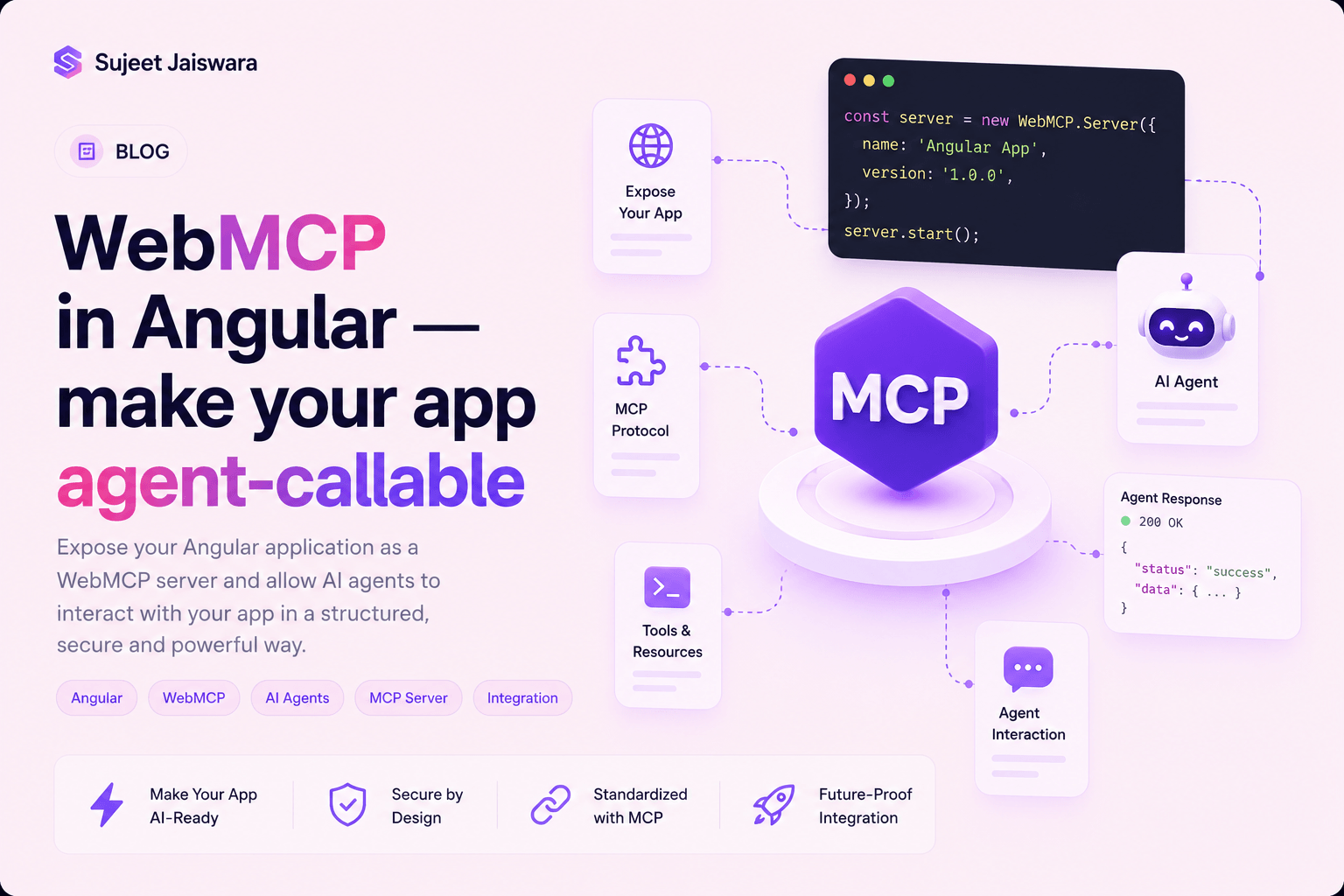
WebMCP in Angular — make your app agent-callable
When I wrote up Angular v22, Signal Forms took the headline. The quieter arrival in that release is WebMCP support, and it points somewhere genuinely new. Every MCP post I’ve written so far has been about your editor talking to Angular while you code. WebMCP flips the direction: the app you ship registers tools that an AI agent running inside the user’s browser can call directly.
Both the WebMCP spec and Angular’s support for it are experimental. The browser API has already moved once —
navigator.modelContextis deprecated in favour ofdocument.modelContext— and every Angular symbol below carriesExperimentalin its name for a reason. Build with it, don’t bet a release on it.
Tools instead of clicks
Picture an agent asked to register a user on your site. Without WebMCP it has to do what a person does: find the form, read the labels, type into each field, click submit, and hope nothing re-rendered mid-way. That’s slow, brittle, and it breaks the day you restyle the wizard.
WebMCP lets the page skip all of it. Your app declares a tool — a name, a description, a JSON Schema for the arguments, and a function to run — and the agent calls it like an API. No DOM scraping, no guessing which button is the real submit.
It’s worth separating this from the thing it sounds like, because the names collide badly:
| Angular CLI MCP server | WebMCP | |
|---|---|---|
| Runs | On your machine, at development time | In the browser, in production |
| Who calls it | Your coding assistant | The end user’s browser agent |
| What it exposes | Docs search, migrations, project info | Your app’s own capabilities |
| Setup | Editor config | Application providers |
Same protocol family, opposite ends of the lifecycle. If you’ve already wired up the Angular CLI MCP server, none of that carries over here — this is app code.
Prerequisites
- Angular v22. The APIs live in
@angular/coreand@angular/forms/signals. There is no@angular/web-mcppackage to install, and no schematic to run. - A browser that speaks WebMCP. In Chrome that means enabling
chrome://flags/#enable-webmcp-testing, or registering your origin for the WebMCP origin trial. - A polyfill for everything else.
@mcp-b/webmcp-polyfillinstalls the API where it’s missing, which is also how you’ll test.
If you ever need to check for the raw platform API — you won’t, from Angular — the feature detect has to cover both spellings while the rename lands:
const modelContext = document.modelContext || navigator.modelContext;Everything after this point uses Angular’s wrappers instead, which is the point of them.
Step 1 — Register a tool for the whole app
The simplest scope is the application itself. provideExperimentalWebMcpTools takes an array of tool
descriptors, registers them when the app initializes, and unregisters them when it’s destroyed:
import { Service, inject, provideExperimentalWebMcpTools } from '@angular/core';
import { bootstrapApplication } from '@angular/platform-browser';
import { AppRoot } from './app-root';

@Service()
class Greeter {
	sayHello(): string {
		return 'Hello agent!';
	}
}

bootstrapApplication(AppRoot, {
	providers: [
		provideExperimentalWebMcpTools([
			{
				name: 'greet',
				description: 'Greets the agent.',
				inputSchema: { type: 'object', properties: {} },
				execute: () => {
					const greeter = inject(Greeter);

					return { content: [{ type: 'text', text: greeter.sayHello() }] };
				}
			}
		])
	]
});
Three things to notice. inputSchema is required even when the tool takes nothing — an empty properties object is the “no arguments” spelling. execute returns a content array rather than a
bare value, which is the MCP result shape. And that inject(Greeter) call inside execute is not a
mistake: the callback runs in the injection context of the associated injector, so tools reach
services exactly the way the rest of your app does.
The description is not decoration. It’s the only thing the agent reads when deciding whether this tool
answers the request in front of it. Write it like an API doc, not a label.
Step 2 — Give the tool parameters
Arguments are described with plain JSON Schema, and Angular infers the
parameter types of execute from it:
provideExperimentalWebMcpTools([
	{
		name: 'searchCatalog',
		description: 'Searches the store catalog for products matching a query.',
		inputSchema: {
			type: 'object',
			properties: {
				query: {
					type: 'string',
					description: 'The search keywords.'
				},
				maxResults: {
					type: 'number',
					description: 'Maximum number of results to return.'
				}
			},
			required: ['query'],
			additionalProperties: false
		},
		execute: ({ query, maxResults }) => {
			// Type of `query` is inferred as `string`.
			// Type of `maxResults` is inferred as `number | undefined`.

			// Consider validating this at runtime, since inputs may not be validated to match the schema.
			if (typeof query !== 'string') throw new Error(`Bad query: ${query}`);
			if (typeof maxResults !== 'number' && maxResults !== undefined)
				throw new Error(`Bad maxResults: ${maxResults}`);

			const limit = maxResults ?? 5;
			return {
				content: [{ type: 'text', text: `Returning up to ${limit} results for "${query}".` }]
			};
		}
	}
]);
Two schema keys do real work for the types. required: ['query'] strips undefined from that
parameter, and additionalProperties: false narrows the argument object to exactly the declared keys.
Read that middle comment twice, because it’s the security story in one line: the schema types your callback, it does not enforce anything at runtime. Arguments arrive from an agent that is itself driven by text from who-knows-where. Validate them the way you’d validate a request body.
Step 3 — Tools that live in a service
Providers are fine for static tools, but the interesting tools need state. declareExperimentalWebMcpTool registers one from inside any injection context and tears it down
automatically when that context is destroyed:
import { Service, declareExperimentalWebMcpTool, signal } from '@angular/core';

@Service()
export class Counter {
	readonly count = signal(0);

	constructor() {
		declareExperimentalWebMcpTool({
			name: 'getCounter',
			description: 'Reads the global counter.',
			inputSchema: { type: 'object', properties: {} },
			execute: () => ({
				content: [{ type: 'text', text: `The count is: ${this.count()}.` }]
			})
		});
	}
}
Because execute reads the signal at call time, the agent always sees current state — no subscription,
no manual refresh. This is the shape I’d reach for most: a root service that owns some state and exposes
a couple of tools over it.
Step 4 — Tools scoped to a route
A tool that only makes sense on one screen belongs in that route’s providers:
import { provideExperimentalWebMcpTools } from '@angular/core';
import { Routes } from '@angular/router';

export const routes: Routes = [
	{
		path: 'dashboard',
		loadComponent: () => import('./dashboard').then((m) => m.Dashboard),
		providers: [
			provideExperimentalWebMcpTools([
				{
					name: 'exportDashboardReports',
					description: 'Exports the current dashboard analytics.',
					inputSchema: { type: 'object', properties: {} },
					execute: () => ({
						content: [{ type: 'text', text: 'Dashboard export successfully triggered.' }]
					})
				}
			])
		]
	}
];
This one has a catch worth its own paragraph. Route-scoped tools stay registered after you navigate away unless the router is told to clean up route injectors. So opt in:
import { ApplicationConfig } from '@angular/core';
import { provideRouter, withExperimentalAutoCleanupInjectors } from '@angular/router';
import { routes } from './routes';

export const appConfig: ApplicationConfig = {
	providers: [provideRouter(routes, withExperimentalAutoCleanupInjectors())]
};
Skip it and your dashboard export tool is still advertised to the agent from the settings page — which either fails confusingly or, worse, quietly works.
Step 5 — Signal Forms give you a tool for free
Here’s the part that made me sit up. If you’re already on Signal Forms, you can turn an existing form into an agent tool with one option and no hand-written schema.
Enable the feature at the root:
import { bootstrapApplication } from '@angular/platform-browser';
import { provideExperimentalWebMcpForms } from '@angular/forms/signals';
import { AppRoot } from './app-root';

bootstrapApplication(AppRoot, {
	providers: [provideExperimentalWebMcpForms()]
});
Then name the tool on the form itself:
import { Component, signal } from '@angular/core';
import { form, required } from '@angular/forms/signals';

@Component({
	selector: 'app-user-registration',
	templateUrl: './user-registration.html'
})
export class UserRegistration {
	private readonly model = signal({
		firstName: '',
		lastName: '',
		age: 0,
		hobbies: ['Web Development']
	});

	readonly userForm = form(
		this.model,
		(f) => {
			required(f.firstName, { message: 'First name is mandatory.' });
			required(f.lastName, { message: 'Last name is mandatory.' });
		},
		{
			// Implicitly registers a WebMCP tool named `registerUser` with parameters derived from `model`.
			experimentalWebMcpTool: {
				name: 'registerUser',
				description: 'Registers a new user.'
			},
			submission: {
				action: async (formValue) => {
					console.log('Submitting user:', formValue);
					// ...
				}
			}
		}
	);
}
Angular derives the entire input schema from the form. firstName, lastName, age and hobbies become parameters, typed from the model’s initial values. The required() validators become
required schema fields. hobbies becomes an array of strings, so the agent can pass as many as it
likes.
That inference detail has teeth: the schema comes from initial values, so age: 0 is what makes age a
number, and hobbies: ['Web Development'] is what makes it a string array. An empty array or a null placeholder gives the agent nothing to infer from. Seed the model with real, concrete values.
submission.action isn’t optional here either — it’s what the tool actually invokes. The form your
users see and the tool the agent calls run the same code path, which is the strongest argument for this
over hand-writing a parallel tool that drifts.
Which scope should you use
| Scope | API | Lives as long as | Reach for it when |
|---|---|---|---|
| Application | provideExperimentalWebMcpTools in bootstrapApplication | The app | The tool is always available |
| Service | declareExperimentalWebMcpTool in a @Service() | Its injector | The tool reads or writes app state |
| Route | provideExperimentalWebMcpTools in route providers | The route, with auto-cleanup | The tool only makes sense on one screen |
| Form | experimentalWebMcpTool on form() | The component | An existing Signal Form is the action |
Pitfalls
- Names must be unique, and duplicates throw. Registering the same tool name twice is a runtime error, so anything registered from a component breaks the moment two instances render at once. Prefer application providers, route providers, or root services. If a tool must live on a component — including an implicit Signal Forms tool — guarantee that component renders at most once at a time.
- Nothing validates the arguments for you. Covered above, and worth repeating because the type inference makes it feel handled. It isn’t.
- Tool input is untrusted input. An agent’s arguments can originate in a web page, an email, or a
document the user never read closely. Treat a tool call like an unauthenticated POST — check
permissions inside
execute, and don’t assume the agent asked the user first. - Cross-origin iframes need permission. Chrome gates the API behind a
toolsPermissions Policy that defaults toself, so an embedded frame needs an explicitallow="tools". - The spec is moving. Tool unregistration used to be a method and is now an
AbortSignal;provideContext()came and went; the entry point moved fromnavigatortodocument. Angular’s wrappers absorb most of that churn, which is the best reason to use them over the raw API.
Testing
You don’t need a flagged browser in CI. Install @mcp-b/webmcp-polyfill and let it stand in as a mock
implementation, then assert on your execute callbacks like any other unit under test — the interesting
logic is a plain function that takes arguments and returns content.
Writing those tests also drags the descriptions into better shape. If you can’t state in one sentence what a tool does and when to call it, an agent can’t pick it either.
Wrap-up
Four scopes, one mental model: a tool is a described function, and Angular ties its lifetime to an
injector you already understand. Start with a root service exposing one honest read-only tool, add provideExperimentalWebMcpForms() if you’re already on Signal Forms, and don’t skip withExperimentalAutoCleanupInjectors() the day you scope something to a route. The official guide is
at angular.dev/ai/webmcp, and the spec is being incubated in the open — both move fast enough to be worth a
re-read before you ship.